Syntax
Mermaid diagrams use fenced code blocks with mermaid as the language:
```mermaid
flowchart LR
    Edit[Markdown editor] --> Preview[Live preview]
    Preview --> Export[Word / PDF / HTML]
```
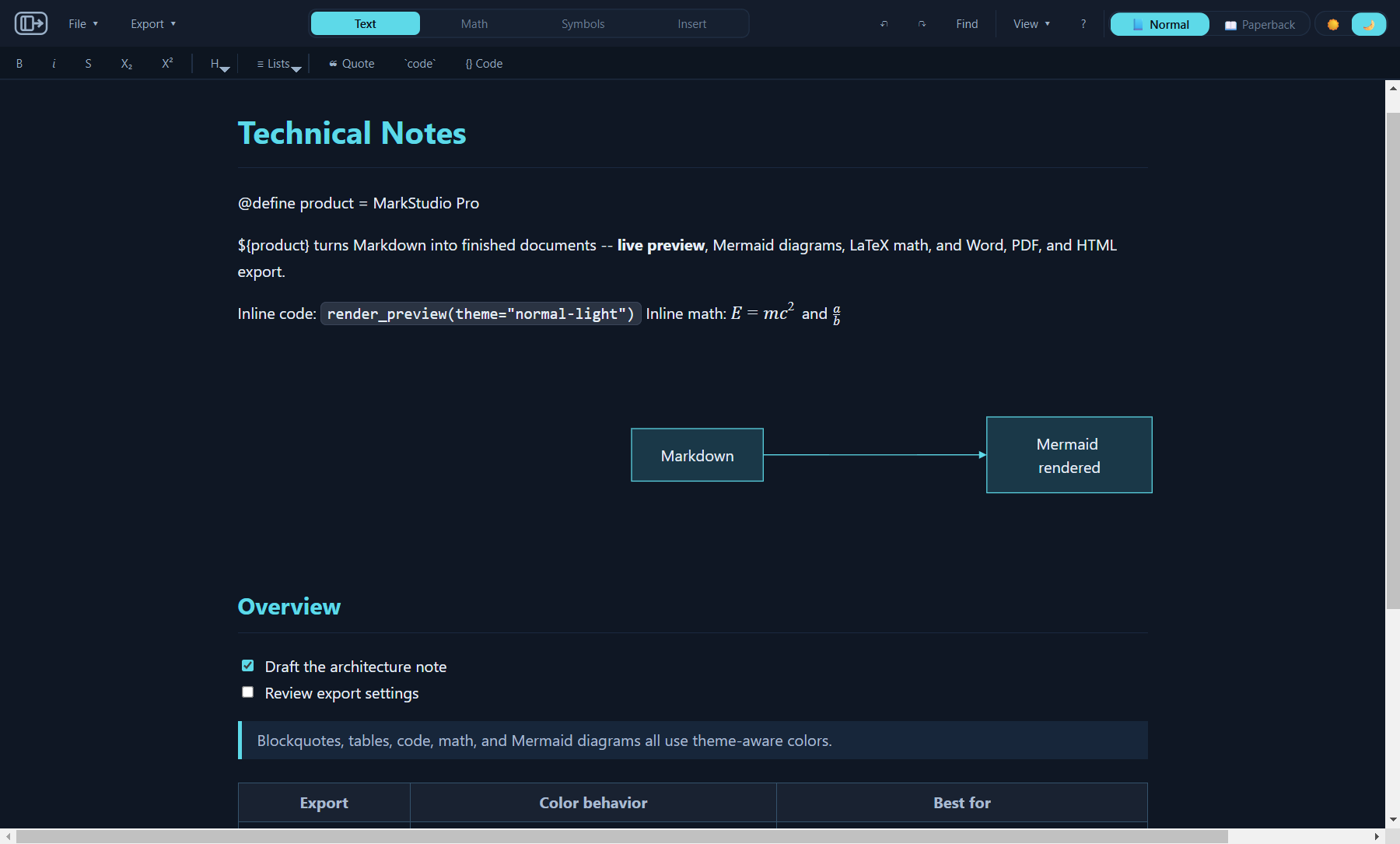
In the preview, that block renders as a flowchart:
Markdown editor
Live preview
Word / PDF / HTML
Use the app's Mermaid toolbar/menu starters when you want the correct block structure inserted for you.

Starter diagrams
| Diagram family | Use it for | Starter keyword |
|---|---|---|
| Flowchart | Processes, routing, decisions, system flow | flowchart TD or flowchart LR |
| Sequence diagram | Messages between users, services, or components | sequenceDiagram |
| Class diagram | Types, methods, fields, and relationships | classDiagram |
| State diagram | Lifecycle and status transitions | stateDiagram-v2 |
| ER diagram | Entity and database relationships | erDiagram |
| Gantt | Schedules and project phases | gantt |
| Timeline | Chronological events | timeline |
| Mindmap | Hierarchical notes and topic maps | mindmap |
| Git graph | Branching and merge history diagrams | gitGraph |
| User journey | Steps, actors, and experience ratings | journey |
| Quadrant chart | Priority and effort/impact matrices | quadrantChart |
| Requirement diagram | Requirements, elements, and satisfy links | requirementDiagram |
| Pie chart | Simple proportional breakdowns | pie |
Preview behavior
The preview renders Mermaid diagrams with the active Normal or Paperback palette. Theme and palette switches recolor loaded diagrams without changing the Markdown source.
Large diagrams can be wider than the document measure. The preview keeps them readable with responsive layout first and scrolling only when the diagram cannot fit cleanly.
Export behavior
- HTML: best fidelity for diagrams because it preserves the browser preview path.
- Word: includes Mermaid diagrams by default and lets you disable them in the export dialog. Complex diagrams may be rasterized for compatibility.
- PDF: includes Mermaid diagrams by default and lets you disable them. Landscape mode is often better for wide diagrams.
Tips
- Use short labels when exporting to Word or PDF; page size limits matter.
- Prefer HTML export when diagram color fidelity and wide layout matter most.
- If a diagram is too wide, try left-to-right flowcharts, landscape PDF, or split the diagram into smaller blocks.
- Right-click a rendered Mermaid diagram in preview to use diagram-specific preview actions where available.