Built for handoff
Turn Markdown into polished Word, PDF, or HTML output when the final reader needs a document, not your source file.
MarkStudio Pro is an export-first Markdown editor for technical documents — turn Markdown into finished Word, PDF, and HTML, entirely offline, with live preview, Mermaid diagrams, and LaTeX math.
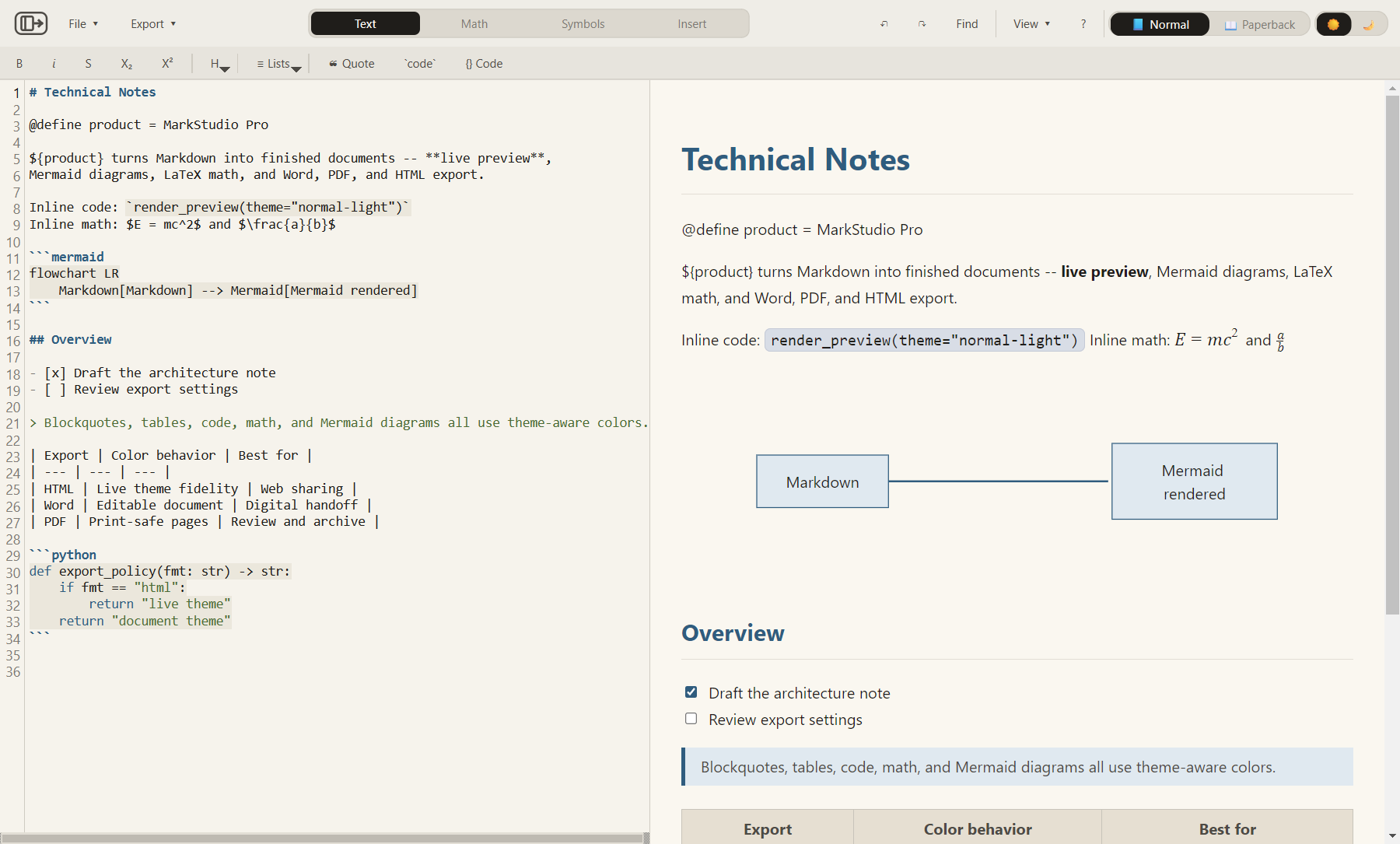
MarkStudio Pro is built for technical writing that has to leave your editor as a clean deliverable. Write in Markdown, inspect the rendered result, then export with the layout controls expected for review, printing, submission, or sharing.
Turn Markdown into polished Word, PDF, or HTML output when the final reader needs a document, not your source file.
Mermaid diagrams, LaTeX-style math, tables, code, images, variables, and links are part of the normal preview and export path.
Use dedicated export options for typography, heading sizes, margins, headers, footers, page setup, theme fidelity, and diagram inclusion.
Keep related notes, drafts, and assets one click away. The side explorer is scoped to your working folder, so opening, switching, and previewing files never leaves the app.
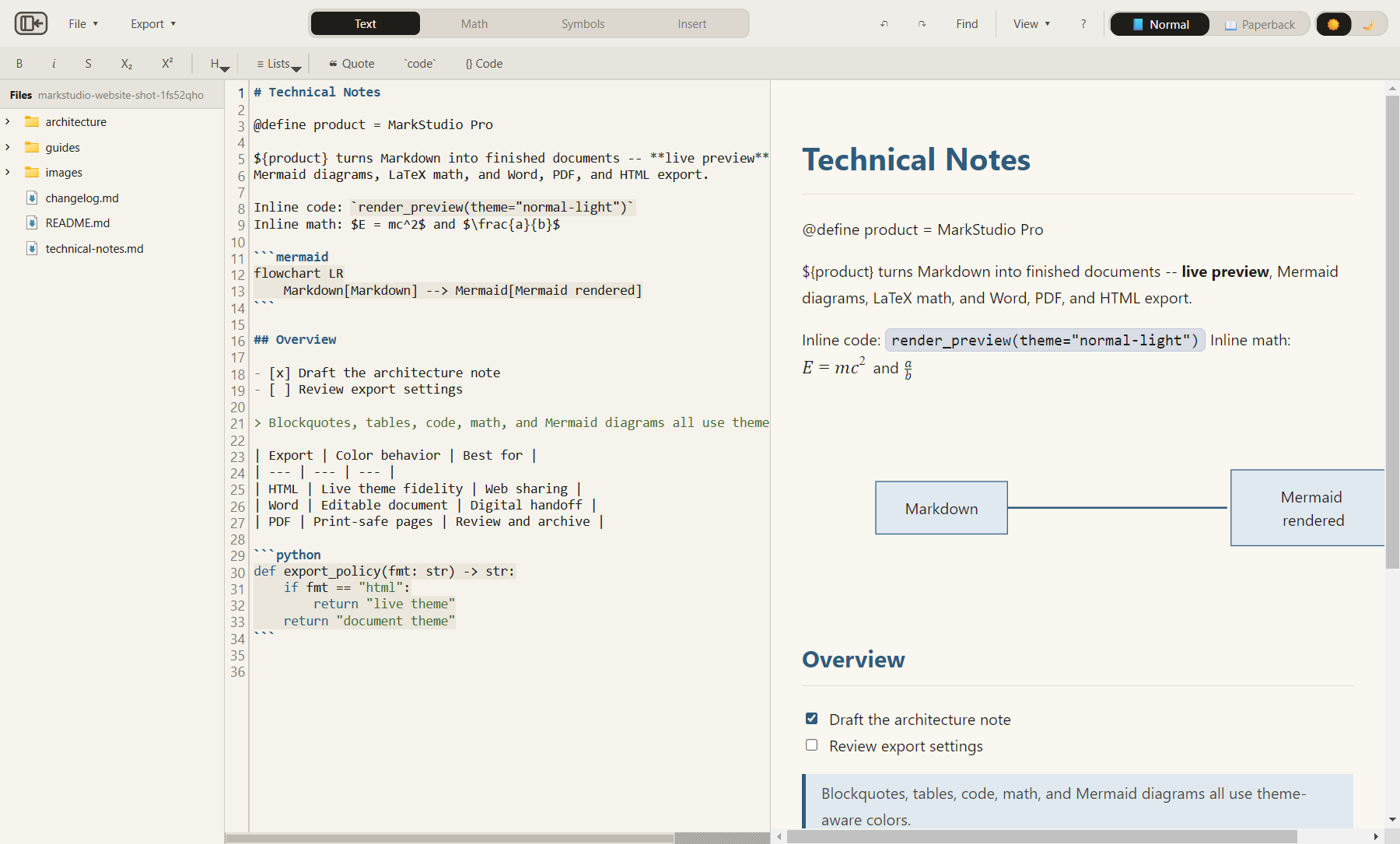
Use Markdown while you write, then export a structured document without moving your content into another editor.
Work in split, editor-only, or preview-only view. Tables, code, links, footnotes, math, and diagrams render while you write.
Your Markdown files are opened, previewed, and exported locally. No document upload is required for editing, preview, or export.
Browse and open Markdown files from a built-in side explorer scoped to your working folder, so related notes stay one click away (Ctrl + Shift + E).
Toolbar actions insert Markdown, math, symbols, tables, links, images, and Mermaid starter diagrams directly into the editor.
Autosave and recovery data are kept locally, so work can be restored after an unexpected shutdown.
Define values once with @define name = value and reuse them anywhere as ${name} across the document.
Open separate editor windows (Ctrl + Shift + N) to compare documents or keep reference notes beside the file you are writing.
The desktop app combines source editing, live preview, diagram rendering, math, and export controls in one local workspace.
Write in Markdown with toolbar helpers for common structures — headings, lists, tables, links, math, and diagram starters.
Preview math, tables, links, images, code, and diagrams while editing — in split, editor-only, or preview-only view.
Export to Word, PDF, or HTML with format-specific controls for typography, spacing, margins, and headers.
Create diagram blocks from starters, preview them with the active theme, and export them with the document.
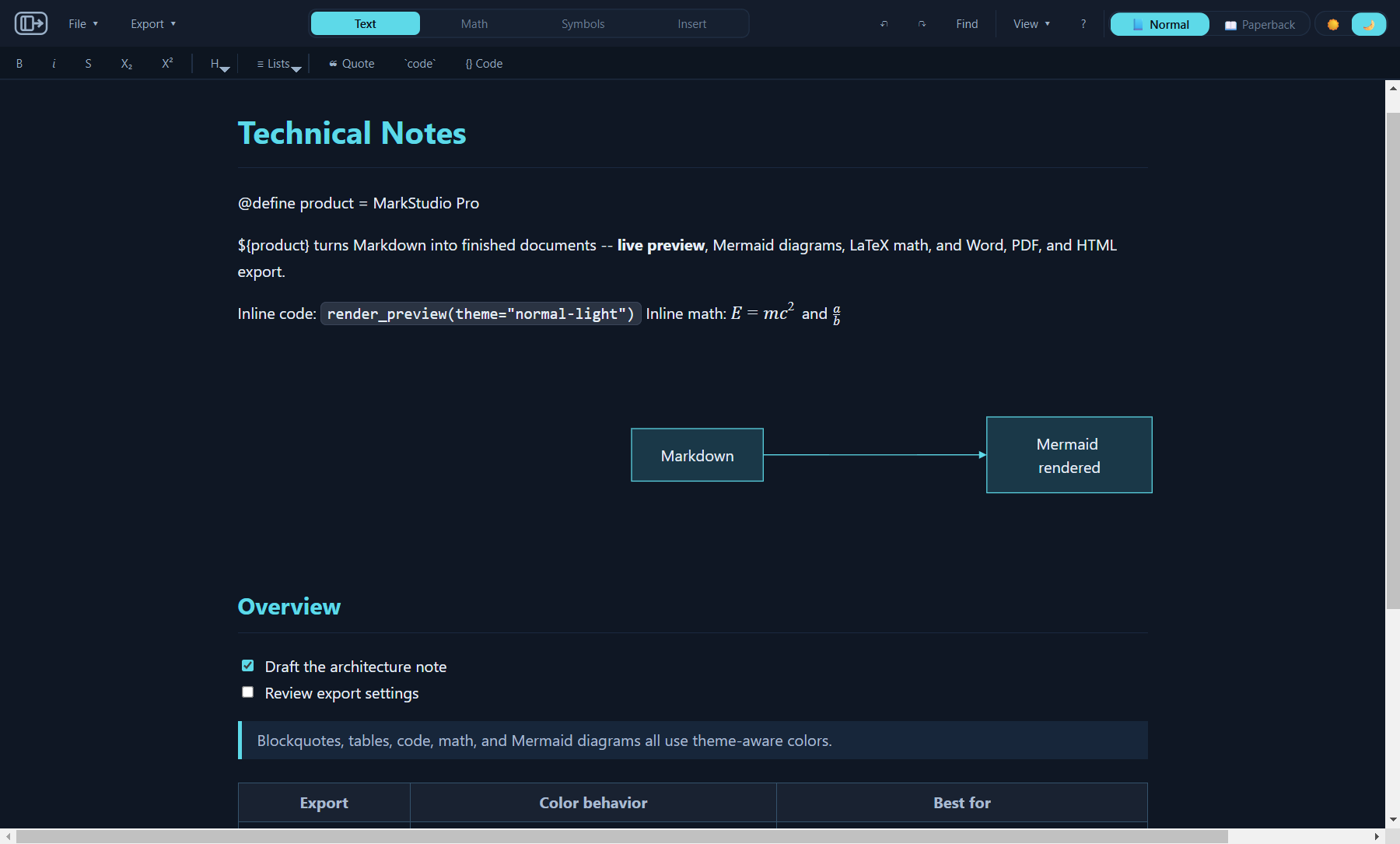
Word, PDF, and HTML each expose the controls that matter for the format instead of pretending all exports behave the same.
Use Print or Screen mode, export Mermaid diagrams, control body and heading fonts, set H1–H6 sizes, margins, page numbers, and optional header/footer content.
Word optionsChoose portrait or landscape, page size, Mermaid inclusion, typography, spacing, margins, and header/footer text.
PDF optionsPreserve live preview styling while controlling body, heading, and code fonts, spacing, content width, and browser print margins.
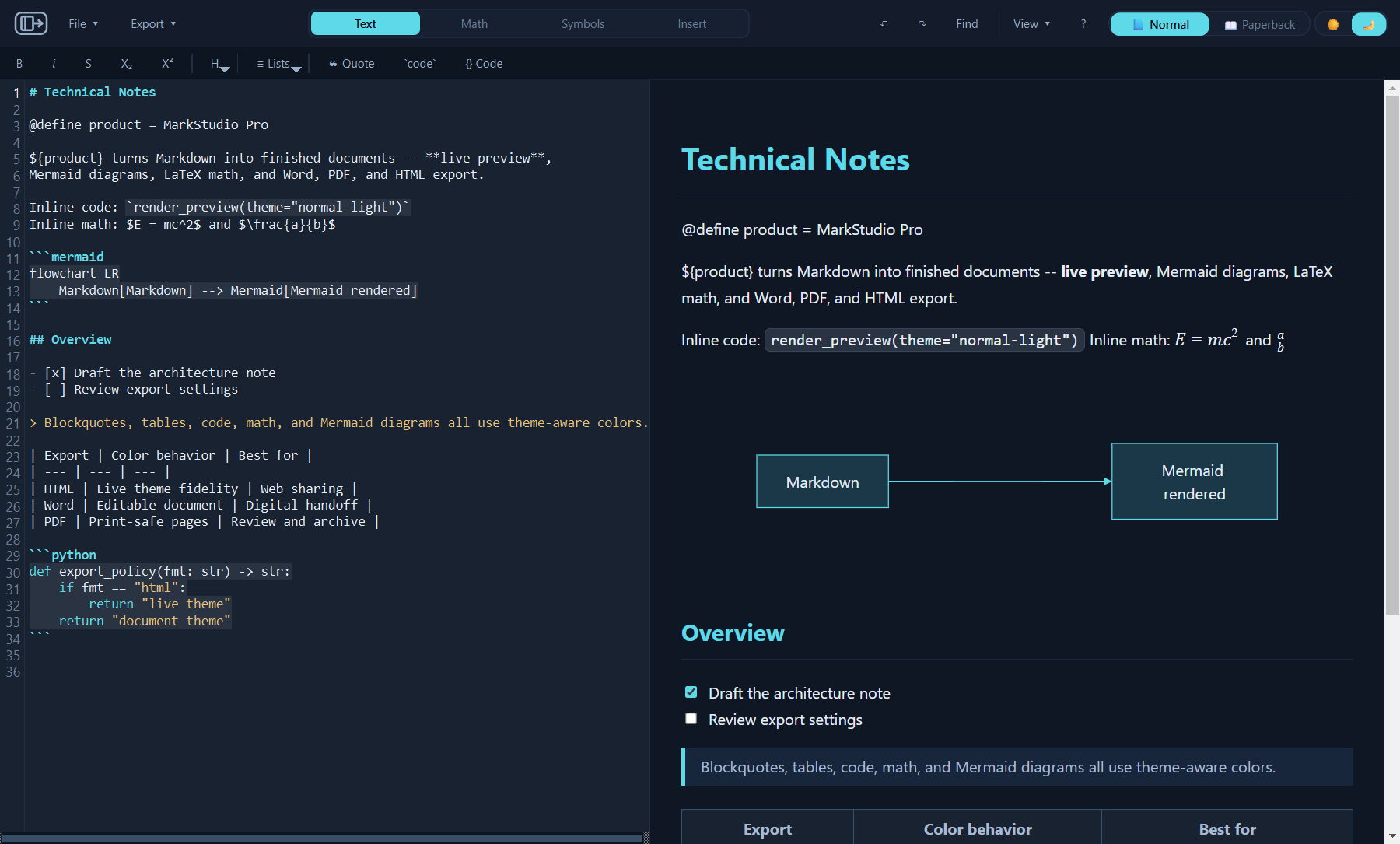
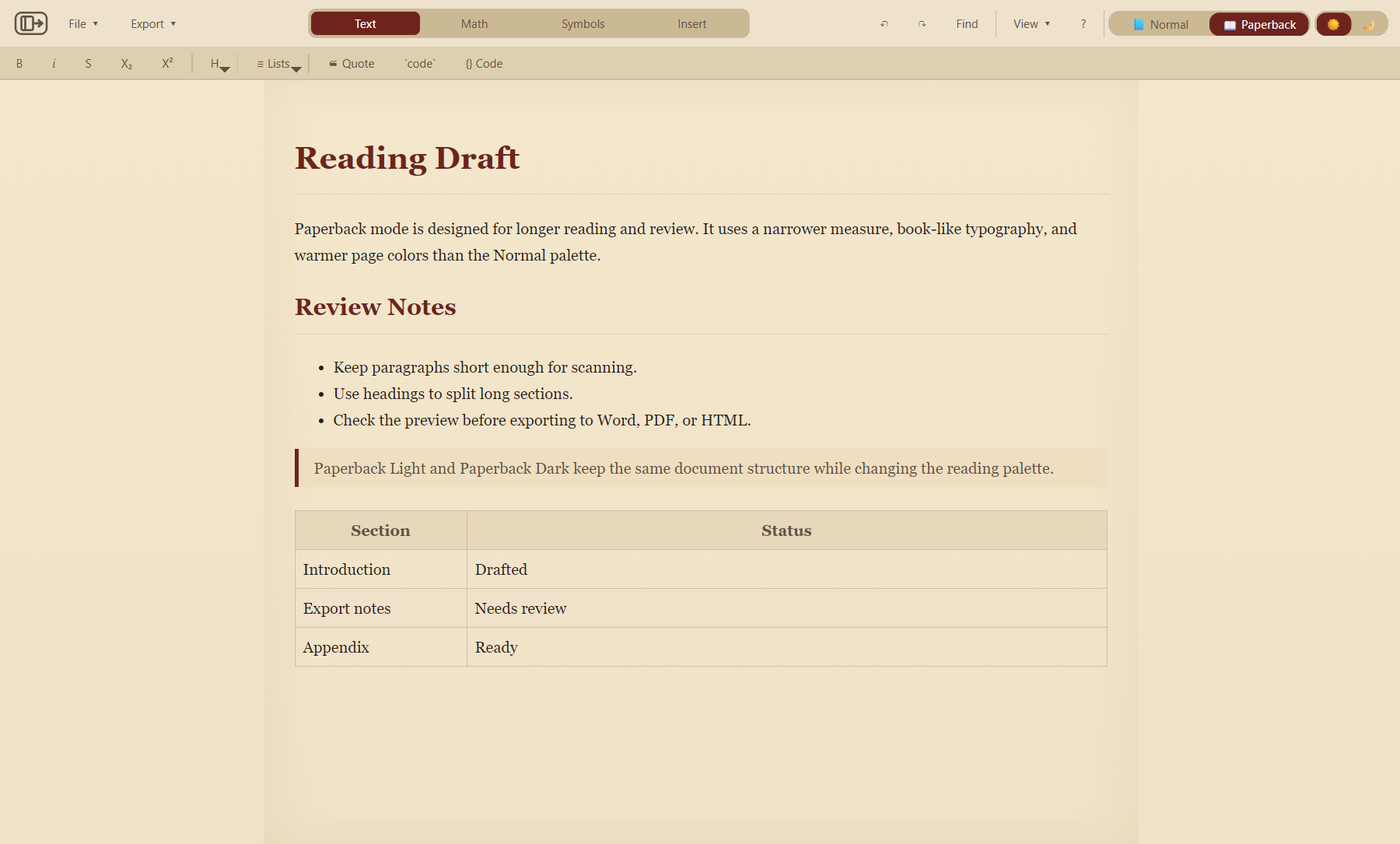
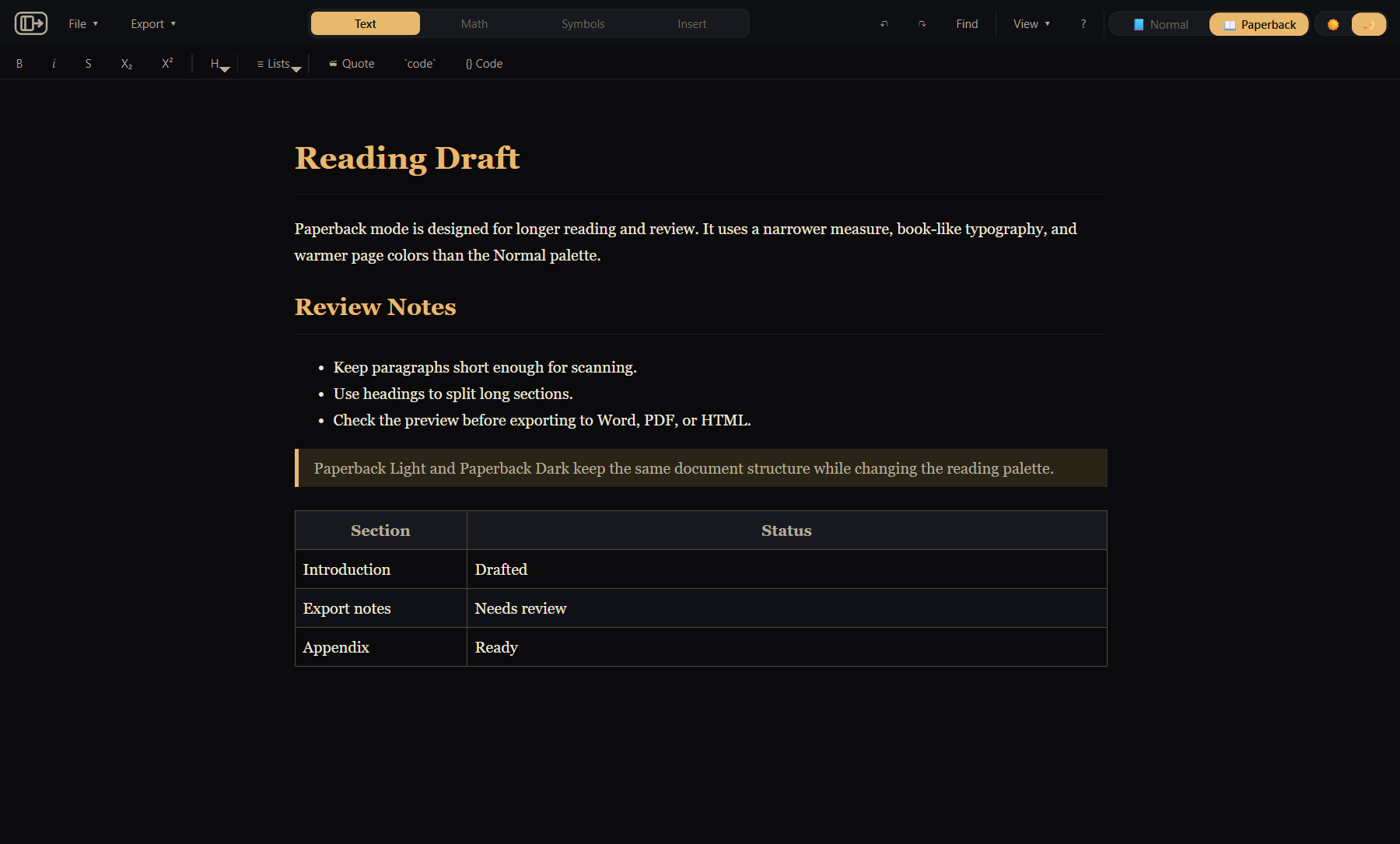
HTML optionsNormal gives a clean professional workspace. Paperback uses a book-like reading style for longer documents. Both families support light and dark modes.
Short answers before you install from the Microsoft Store.
Yes. Editing, preview, and exports run locally. Microsoft Store services may be needed for purchase, installation, licensing, and updates.
Use it when Markdown is the source, but the output must look like a finished technical document. MarkStudio Pro brings source editing, live preview, Mermaid diagrams, math, local project browsing, and controlled Word, PDF, and HTML exports into one Windows app.
Yes. HTML preserves the live preview theme. Word and PDF provide print-safe document outputs with dedicated options for each format.
Yes. MarkStudio Pro supports common Mermaid diagram families in preview and export. See the Mermaid guide.
Yes. Use $...$ for inline math and $$...$$ for display math. The Math toolbar includes symbols, structures, matrices, sets, logic, and calculus helpers.
Yes. Current export dialogs include presets plus typography, spacing, margins, Mermaid inclusion, and document header/footer controls where supported.
Pricing, purchase status, and limited trial availability are handled by the Microsoft Store.
Documentation is organized around the workflows users actually open: writing, previewing, diagrams, math, images, exports, and shortcuts.
Open files, use views, pick palettes, and understand autosave.
Start hereUse diagram starters and understand preview/export behavior.
Open guideChoose HTML, PDF, or Word and understand what each format preserves.
Open guideInline/display math, symbols, structures, calculus, matrices, sets, and logic.
Open guideAdd local images, keep paths portable, and understand export fallbacks.
Open guideFile, theme, view, zoom, editing, formatting, and help shortcuts.
Open shortcutsGet MarkStudio Pro from the Microsoft Store and turn your Markdown into documents that are ready to hand off.